Pay by bank at your WooCommerce checkout
Our WooCommerce plugin adds pay by bank to your online shop. No percentage of the sale, no card machine, and orders mark themselves paid.

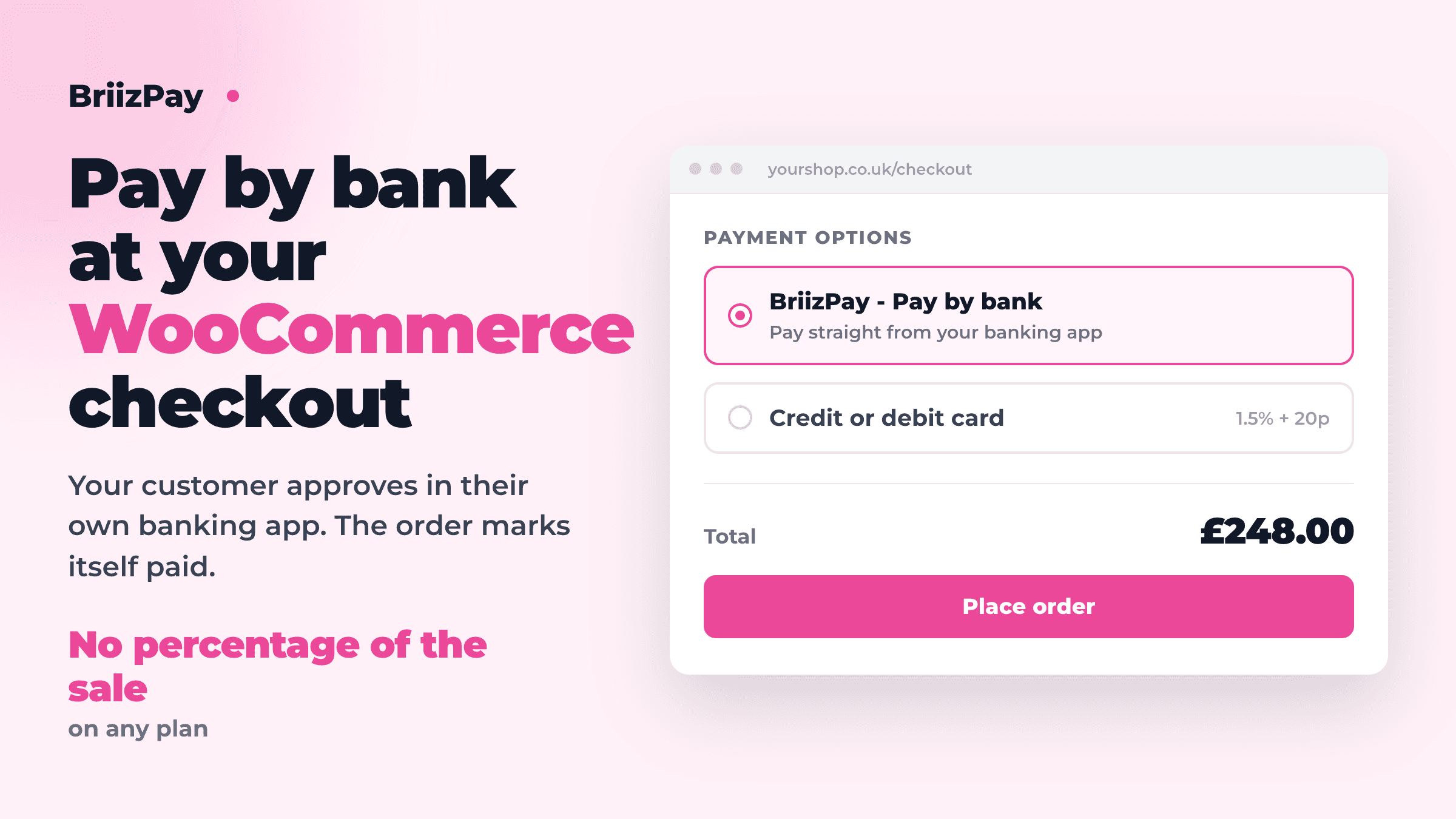
If you sell online with WooCommerce, you can now offer pay by bank at your checkout.
Your customer picks BriizPay - Pay by bank, approves the payment in their own banking app, and lands back on your order confirmation. The money moves bank to bank over Faster Payments, usually in seconds, and the order marks itself paid.
Why it is worth having
A percentage fee grows every time you have a good month. On £5,000 of monthly takings, a typical online card rate of 1.5% plus 20p costs around £100. On BriizPay's Growth plan that is £49.99 a month with 250 payments included, and it does not go up when your sales do.
The gap widens as you grow, which is the opposite of how card fees work.
What it does
- Adds pay by bank next to your existing payment methods
- Works with both the new checkout block and the older checkout
- Marks the order paid from a signed notification, not from the customer returning to your site, so an order still completes if they close the tab
- Retries if your shop is briefly unreachable, so a deploy or a blip does not lose you an order
- Sends the customer back to your order confirmation page
- Cancels the payment link if you cancel the order, so nobody pays for something you have dropped
What it does not do
Worth being straight about, because it decides whether this suits you.
It does not take card payments. BriizPay is Open Banking, so keep your card gateway alongside it and let customers choose. It does not do refunds from the WooCommerce order screen; those are made in your BriizPay dashboard. There are no subscriptions or saved payers, because each payment is approved by the customer at the time. And your shop needs to be priced in pounds.
Setting it up
About ten minutes, and no code. Download the plugin, upload it in WordPress under Plugins, then open Integrations in your BriizPay dashboard, choose WooCommerce, and give it your shop's address. It hands you two values to paste into the plugin settings and you are done.
The step-by-step guide covers every field, including what to do when something is not right.
More Articles
The BriizPay app is on iPhone and Android
Take a payment from your phone: show a QR code, send a payment link, and watch the money land. The BriizPay app is now on the App Store and Google Play.
September 9, 2026
How to Reduce Payment Processing Fees and Save Your Business Money
Discover practical strategies to minimize transaction fees and maximize your business profits with BriizPay's flat-fee pay-by-bank processing.
February 10, 2025